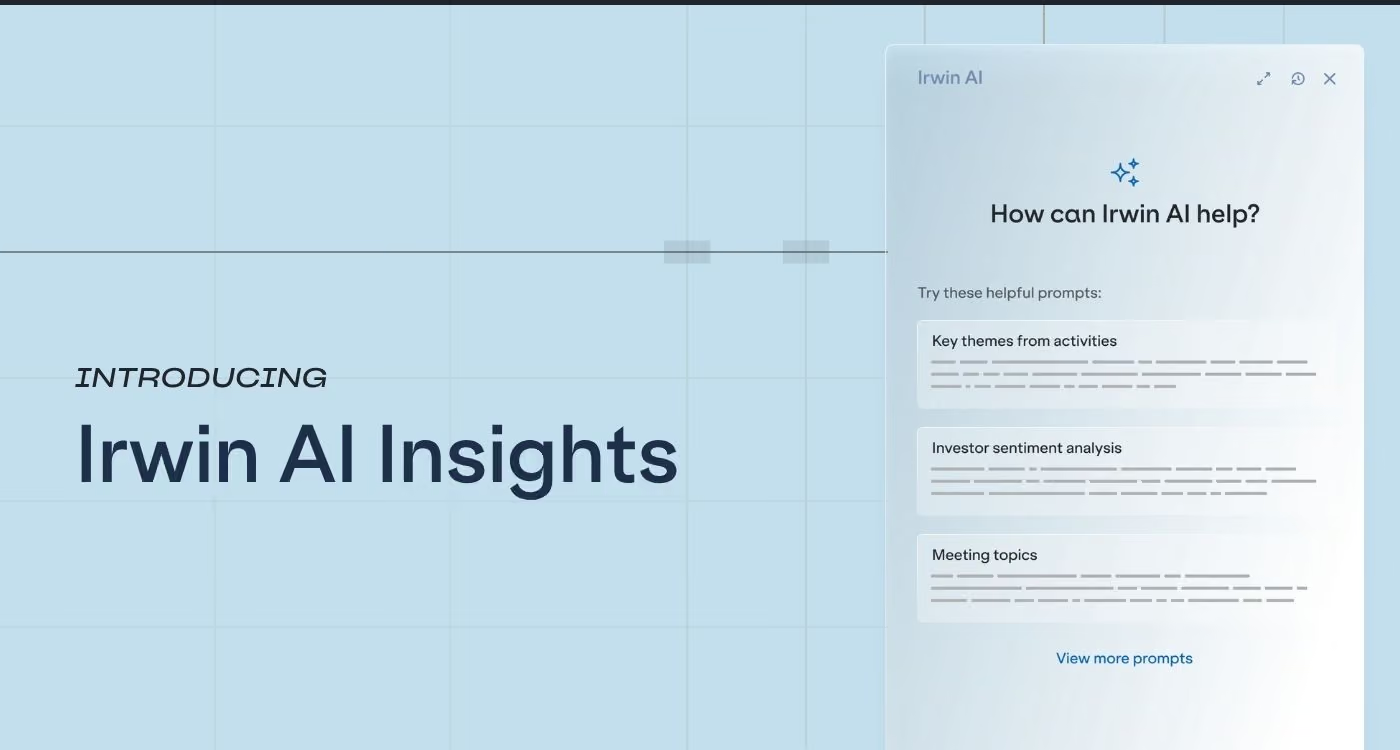
Introducing Irwin AI Insights
Irwin AI Insights is now live inside every Irwin account. You’ll find the new “Irwin AI” option in the main navigation, accessible from anywhere inside Irwin. Click it, and a side panel opens with a set list of prompts you can run against your activity history – themes across recent meetings, contacts who’ve gone quiet, engagement frequency mapped against position changes. Seven prompts to start, each tied to a specific IR workflow: earnings prep, quarterly relationship reviews, post-conference debriefs, event ROI analysis.
Why start with Activities?
The activity log inside your IRM is the single richest source of investor intelligence most IR teams have, and the most under-used. Ownership data tells you what investors hold; positioning data tells you what they’ve bought and sold; only the activity log tells you what was actually said in a meeting, what the investor kept asking about, and how a relationship has evolved. Every logged interaction, every tagged conversation, every note from a one-on-one adds up to a complete picture that no other data source can provide.
The problem is that it’s a picture nobody has time to look at. Reading three months of notes before earnings prep, or scanning your entire meeting history to find out which key holders have gone quiet – those are jobs that IROs know how to do, but don’t have the bandwidth to execute. So the intelligence sits there, logged but locked.
How it works
Open Irwin AI Insights from anywhere inside the application. Pick a prompt from the side panel and fill in the parameters – a date range, a tag, a contact group – and the response comes back structured and readable, with the summary at the top and the details below.
The seven prompts at launch cover the questions we heard IROs ask most consistently over the last year: themes and trends from a defined period of meetings, investor sentiment for a tagged group, frequent discussion topics, top ten investors you haven’t been in touch with, contacts you’ve met with most often, alongside how their positions have changed, key investors missing from recent events – every prompt runs against the activities you’ve already logged into Irwin.
Because of this, outputs get better the more consistently your team logs interactions, because there’s more signal for the AI to work with. And when a response surprises you – a theme you hadn’t noticed, an investor you’d forgotten hadn’t been in a meeting for six months – you can be confident it came from something in your own data.
Where it’s going
Irwin AI Insights is the first phase of a broader vision for AI inside Irwin. The direction we’re heading is toward AI that reaches deeper into the platform, answers a wider range of questions, and gives you more room to shape what you ask – always grounded in the data you already trust.
For now, the prompts are curated and the parameters are structured. That’s a starting point, not an endpoint. What Irwin AI looks like in six months, twelve months, or two years will be shaped as much by how customers use it as by what we build. The more we see about which questions matter most, which surfaces would add the most value, and which constraints are worth loosening, the better the sequencing gets.
Your feedback matters
Irwin AI Insights is available to all Irwin customers today. Open Irwin, click the Irwin AI button in the top navigation, and give a prompt a try – earnings prep or a quarterly relationship review are good places to start.
If you’ve got feedback, thoughts on what would be useful next, or a question that came up while using it, reach out to your Account Manager or share it in the Irwin Community.
.png)

.png)
.png)